Should Delivery Orders Include Cutlery by Default? A Low-Waste Design That Protects Ratings
For most delivery businesses, the strongest starting point is no disposable cutlery by default, with a clear one-tap way to request exactly what is needed. The policy works only when it is designed as a customer-choice system rather than a silent removal of service. Make the choice visible at checkout, repeat it in the order confirmation, make it unmistakable on the packing ticket, and give customers a simple recovery route when a need was missed. Start with a short monitored pilot, then adjust by channel, meal type, and complaint pattern.
2026-09-01 - 8 min read
Summary
For most delivery businesses, the strongest starting point is **no disposable cutlery by default, with a clear one-tap way to request exactly what is needed**. The policy works only when it is designed as a customer-choice system rather than a silent removal of service. Make the choice visible at checkout, repeat it in the order confirmation, make it unmistakable on the packing ticket, and give customers a simple recovery route when a need was missed. Start with a short monitored pilot, then adjust by channel, meal type, and complaint pattern.
The real choice is not “cutlery or no cutlery”
A default is a design decision: it sets what happens when the customer does nothing. Automatically adding a fork, spoon, napkins, and condiments can create unnecessary material use. Removing all of them without a visible request option can create an avoidable service failure.
The better model is simple:
- **Default:** “No disposable cutlery needed.”
- **Easy alternative:** “Add what I need.”
- **Fulfilment promise:** the packing team receives an unambiguous instruction.
- **Recovery promise:** a customer who made the wrong choice has a clear way to get help.
That protects guests who are eating away from home or ordering for a group, while avoiding automatic extras for guests who already have utensils.
Design the checkout prompt for choice, not guilt
The checkout page is the highest-leverage touchpoint. Put the control where customers can see it before payment—not inside a free-text note and not behind an obscure settings page.
A practical pattern is a short, preselected choice followed by specific add-ons:
**Utensils and extras** ○ No disposable utensils needed ○ Add utensils and extras
When a customer chooses to add items, show options such as fork, spoon, knife, chopsticks, napkins, and condiment packets. Where the ordering system permits it, let the customer select quantities for larger meals.
Use reassuring microcopy beside the control:
“Need utensils? Select what you need and we’ll pack them.”
This is clearer than an environmental message alone. It tells the customer that the business is still prepared to serve them, which reduces the chance that an opt-out is read as a reduction in care.
What to avoid
Avoid three common patterns:
- **A hidden special-instructions workaround.** Customers should not have to type “please add a fork.”
- **A vague green toggle.** “Eco option” does not say what will be inside the bag.
- **A bundled default request.** A guest may want a fork but not napkins or condiments.
If a platform controls the checkout flow, use its built-in utensils preference when available. If it does not, add the clearest available modifier and make sure the choice is printed or otherwise passed to the packing team.
Confirm the choice after checkout
A good confirmation prevents an omission from looking like a packing mistake. The order confirmation can say one of two things:
- “Your order will be packed without disposable utensils.”
- “Utensils will be included as requested.”
Keep the message factual and immediate. It gives the customer a chance to spot an error before the order is sealed, and it makes the policy predictable on the next order.
Use the package to reinforce—not replace—the digital choice
Labels and inserts cannot fix an unclear checkout. They can, however, make the selected preference visible to both the customer and the packing team.
For an order without utensils, a small external bag label could read:
**Packed without disposable utensils** Need them next time? Select them at checkout.
For an order with utensils, use a distinct label such as:
**Utensils included as requested**
The two labels should be easy to distinguish at a glance. Avoid framing the no-cutlery label as a cost-cutting message. The point is to confirm the guest’s preference, not to make the guest feel responsible for the operator’s savings.
During an initial rollout, a compact insert can provide a safety net:
“We include disposable utensils when requested. If you needed them today, please use the help option in your order confirmation so we can put this right.”
Do not add an insert permanently unless it earns its place. The best insert is short, easy to notice, and removed once customers understand the flow.
Build a packing process that honours the selection
Ratings are most vulnerable when the customer’s instruction and the packed order do not match. The operational design should therefore be as deliberate as the interface.
Make the instruction unmissable
On the kitchen display, printed ticket, or packing label, show one of these states prominently:
- **UTENSILS: NONE**
- **UTENSILS: FORK + NAPKIN**
- **UTENSILS: 2 SETS**
Do not rely on a note buried among delivery instructions. The packer should be able to see the status during the final seal check.
Add one final check
A useful packing check is:
- Read the utensils status.
- Add only the requested items, or confirm “none.”
- Apply the matching bag label.
- Seal the order.
Train every shift, including temporary staff, on the same signals. A policy that is implemented differently by channel or location will create more friction than a consistent default ever should.
Keep a recovery path
Keep a small, controlled backup supply for genuine exceptions. The recovery process should tell staff what they can do when a guest reports a missing requested item: reply through the platform, arrange an appropriate remedy under the business’s service policy, and record the reason.
The goal is not to promise that every order can be physically redelivered. It is to ensure that the guest can reach a person or a defined help flow instead of being left with no response.
Pilot the change before making it permanent
Run a pilot across a limited set of stores, order channels, or dayparts. A four- to six-week window is often long enough to reveal whether the prompt and packing process are working across busy and quiet periods.
Track a small set of measures before and during the pilot:
| What to track | Why it matters |
|---|---|
| Disposable utensil units per order | Shows whether the default is reducing unnecessary inclusion. |
| Utensil request rate | Helps forecast stock and identify meal types that need different defaults. |
| Orders with a packing mismatch | Separates process errors from customer-choice errors. |
| Utensil-related complaints and low-rating comments | Shows where expectation or execution is failing. |
| Overall completion and delivery-rating trends | Checks that the change is not creating broader checkout or service friction. |
Review qualitative feedback, not only averages. A repeated complaint such as “I could not find the option” calls for a UX change. “I selected utensils but did not receive them” calls for a packing-process fix. These are different problems and should not be solved with more automatic cutlery.
Adjust by order context
One default does not need to mean one rigid rule. Use order context to make the request option more helpful:
- **Individual meals:** keep the no-cutlery default prominent, with one-tap add-ons.
- **Multi-person orders:** make quantities easy to choose.
- **Office, hotel, park, or travel-oriented orders:** make the request prompt especially visible because guests may not have utensils nearby.
- **Pickup:** let guests choose at checkout or at a clearly marked, unbundled pickup station where permitted.
- **Phone orders:** add a staff script: “Would you like disposable utensils or napkins with that?”
Local rules can affect which single-use accessories may be supplied by default, how they may be offered, and whether items must be selectable one by one. Confirm the applicable requirements for each market before configuring the ordering flow.
A practical rollout checklist
Before launch, verify the following:
- ☐ Every ordering channel has a visible utensils choice.
- ☐ The default and requested-item labels are plain-language and distinct.
- ☐ A guest can request individual items without typing a special note.
- ☐ Order confirmation repeats the selected state.
- ☐ Packing tickets display the selection prominently.
- ☐ Staff have a final pack-and-label check.
- ☐ The support path for a missing requested item is defined.
- ☐ The pilot dashboard separates UX issues, fulfilment errors, and rating feedback.
- ☐ Local compliance requirements have been reviewed.
Make the policy part of a better delivery system
An on-request cutlery policy is most reliable when customers can easily choose what they need and operators reliably deliver that choice. The objective is not to make a bag look more sustainable at the expense of convenience. It is to remove unwanted extras while keeping service predictable.
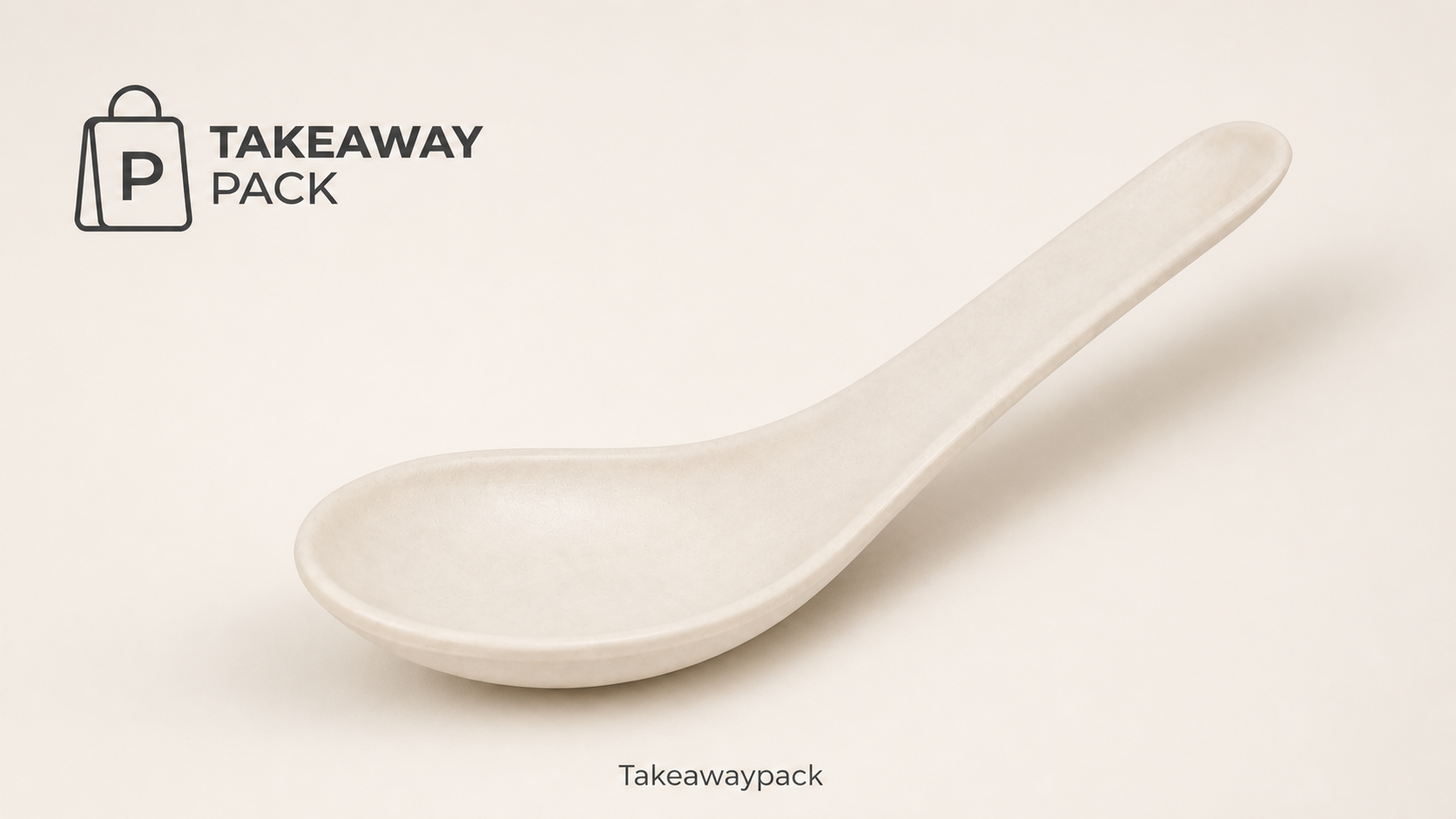
If you are standardizing cutlery, labels, and delivery-pack configurations across foodservice operations, Takeawaypack lists cutlery alongside other foodservice-packaging categories. Its RFQ process can capture the product category, material, size or capacity, estimated quantity, print or logo requirements, and destination details for a project discussion.